
Upload Once.
Share Everywhere.
Streamline Your Video Sharing: Upload Once and Instantly Share Across Multiple Platforms, Amplifying Your Reach Effortlessly.
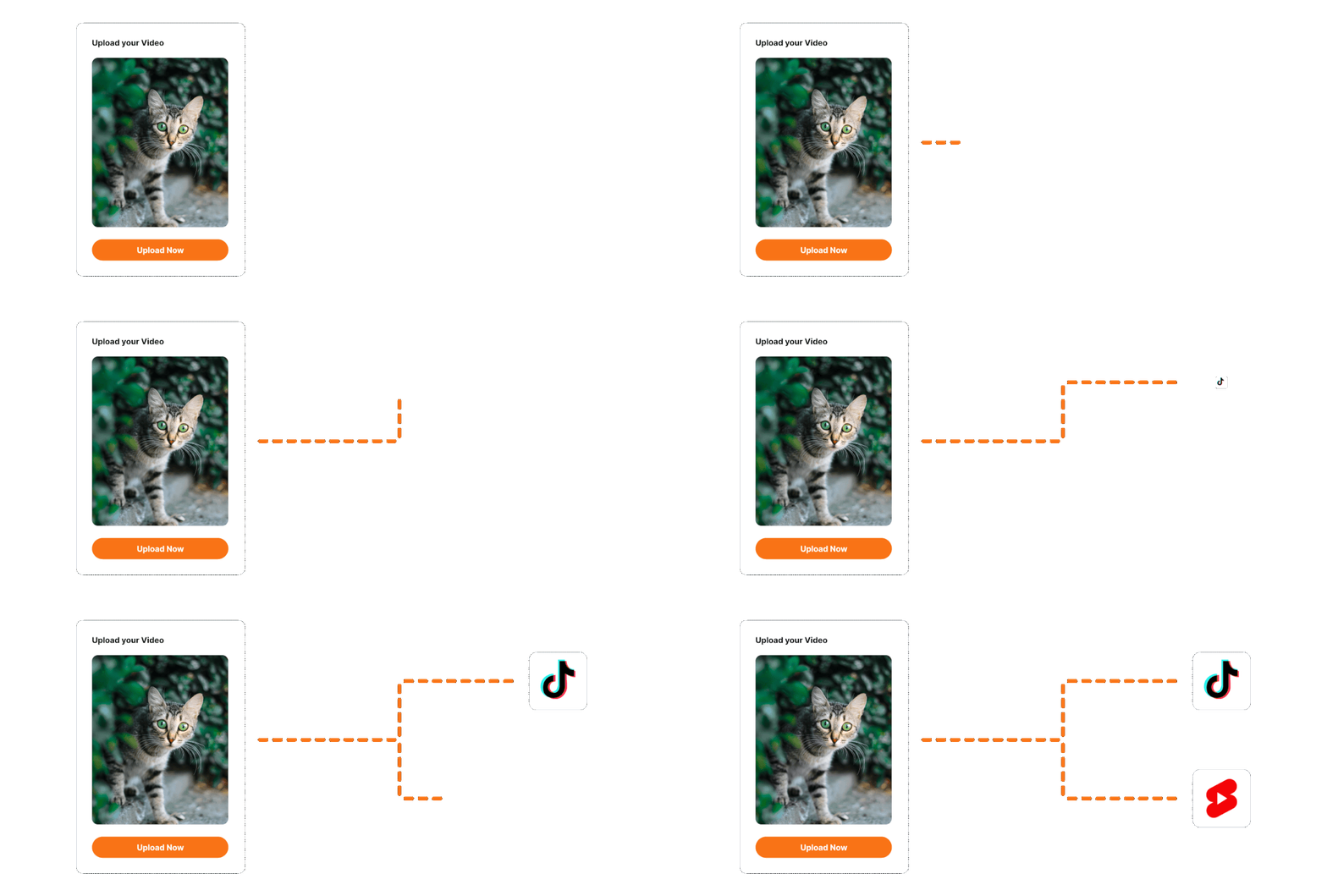
Simultaneous Multi-platform Uploads
ShareBird allows you to upload your videos to TikTok, YouTube, and Instagram all at once. Save time and effort by managing your uploads in one place.
 TikTok
 YouTube Shorts
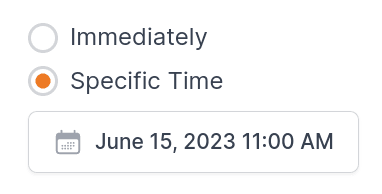
Scheduled Uploads
Plan your video releases in advance with ShareBird's scheduling feature. Set the date and time for your videos to go live on each platform.
Features
ShareBird's features make it easy to manage your video uploads and maximize your reach.
Integrations
Easily connect to multiple social media platforms for a unified posting experience. Enjoy seamless integration with TikTok, YouTube, and more.
Analytics
Track key performance metrics for all your video uploads. Stay informed with real-time insights into views, engagements, and follower growth.
Calendar
Plan your content calendar with our user-friendly scheduler. Schedule posts for future dates or publish them instantly.
Repost
Maximize your reach by reposting content across multiple platforms. Customize each repost to fit the specific platform's guidelines.
Migrations
Transfer your existing content from one platform to another with ease. Make platform switches hassle-free and quick.
Scheduler
Automate your video uploads with our built-in scheduler. Set the date and time, and let ShareBird do the rest.
More coming soon...
How it works
ShareBird's intuitive interface makes it easy to upload your videos and schedule your posts.
Connect your integrations
First, link your social media accounts such as TikTok and YouTube to ShareBird. This is done via a secure OAuth process, ensuring the safety of your account credentials and allowing seamless posting capabilities.
Upload Your Video
After connecting your accounts, head to the 'Upload' section. Here you can select the portrait video you want to share across multiple platforms. Our platform supports various formats to make your experience hassle-free.
Schedule and Publish
Once your video is uploaded, go to our intuitive calendar feature to schedule your video posts. You can also choose to publish them instantly. When everything is set, click the 'Publish' button to automatically post your video to all the platforms you've connected.